How Google Ads Can Bring In Better Sales Opportunities

Most Google Ads reports display metrics like impressions, clicks, and click-through rate. These are certainly numbers worth knowing, but they ultimately don’t answer the question you’re actually asking: “Is my sales team going to have more conversations with people who might actually buy?”
The honest way to think about Google Ads is that it isn’t an advertising channel in the same way a billboard or a radio spot would be. It’s a way to be present at the exact moment someone searches for the products or services your business offers, which is to say the moment they’ve already decided they have a problem and are looking for someone to solve it. Your job when advertising with Google Ads isn’t necessarily to convince anyone of anything, it’s to make sure you show up as a top option when your customers go looking.
Get that part right, and the rest follows. Get it wrong, and you’ll buy a lot of clicks from people who were never going to buy from you in the first place. Here’s how using Google Ads the right way can lead to better sales opportunities for your business.
Intent Is The Whole Product
Every advertising channel is a bet on attention. A billboard catches you on the drive to work. A radio spot lands between two songs. A LinkedIn ad or a Facebook ad appears in your feed while you scroll. Each of these cases show a business paying to borrow attention that was pointed somewhere else, and then paying again to convince a person who may not have been thinking about buying to begin with.
Google Ads inverts that approach. Nobody types “roofing contractors near me” out of idle curiosity. That search happens out of clear intent. By the time those words are typed, the customer has already done three things for you: identified that they have a problem, decided to solve it by hiring someone, and started building a list of who that someone might be. Your ad isn't creating any of that, it’s just making sure you end up on that list.
This is why the same dollar behaves so differently across channels. On a social platform, you’re buying reach and hoping some fraction of it happens to convert. On search, you’re buying a much smaller pool of people, at a much higher price per click, where a meaningful share of them need you right now. That’s often a better trade for most B2B service companies, and it’s the entire reason paid search punches so far above its traffic share.
It’s also why “how many people saw the ad” is the wrong question. Reach is the metric that matters when you’re trying to create demand. When you’re trying to capture demand that already exists, the only question worth asking is whether you showed up for the right searches. That difference shows up plainly in the data. Across the accounts we manage, paid search consistently produces a wildly disproportionate share of leads relative to the traffic it brings. For one of our clients, paid search accounted for 9% of all website sessions but more than 22% of every lead the site generated, converting at roughly 11 times the rate of direct traffic and 18 times the rate of paid social.
The benchmarks bear this out too. WordStream’s 2026 analysis of more than 13,000 US search campaigns puts the median Google Ads conversion rate at 8.18%, with a median cost per click of $5.42 and a median cost per lead of $66.69. Compare that to the 3.6% average that B2B websites convert overall, and you can see what intent is worth: even at the industry level, paid search traffic converts at more than double the typical site-wide rate. Google has also found that 76% of people who search on their smartphones for something nearby visit a business within a day.
The catch (and it’s a real one) is that a $5.42 click is only worth buying if the search behind it meant something. That brings us to the first real decision.
Bid On The Searches That Mean Something
Not every search that contains your industry’s vocabulary is a search worth paying for. This is a common lever, and it’s one that many never see because it lives two clicks deep in the search terms report.
There are roughly three kinds of searches in any service category:
- Research searches. These could include questions like “What is a VoIP number?” or “How does managed IT work?” These show someone learning who is cheap to reach, but almost never ready to talk.
- Product and brand searches. Model numbers, manufacturer names, spec comparisons. This is often a technician or a hobbyist, and sometimes a buyer who is still six vendors away from a decision.
- Hiring searches. Searches like “[Service] company near me,” “Commercial [service] supplier,” or “Get a quote.” This is simply someone looking for a company to solve their problem, and the one B2B service companies should be focusing on.
Here’s a real example from an account we worked on: Two keywords carried nearly identical spend over the course of six months. One was a broad phrase describing the service category, and the other was a specific hiring phrase with “near me” attached. The broad category term converted at 3.7%. The hiring phrase converted at 11.8%, better than three times the rate for the same money.
What to do this week: open your search terms report, sort by cost, and read the top thirty queries out loud. If you wouldn't be glad to have that person on the phone, you’ve found something to fix.
Build Campaigns Around Services, Not Around Your Whole Business
Many underperforming accounts we audit have one campaign with every service the company offers stuffed into it. Separate campaigns per service give you three advantages a single blended campaign can’t:
- Budget control by margin. You can push money toward the work you want more of and pull back on the work you don’t.
- Honest measurement. You find out that Service A converts at 5% and Service B at 0.4%, instead of seeing a blended 2.7% and having no idea which half is carrying the other.
- Message match. The ad, the keyword, and the landing page can all say the same thing, which is most of what “relevance” means in practice.
That second advantage is one particularly worth focusing on. Breaking a client’s results out by service line made the picture obvious almost immediately. One service converted above 21%, another around 7%. Two more pulled steady traffic every month and produced nothing at all. If the campaign was all blended together, the account would have looked perfectly respectable. You simply can’t make that call from a blended report. You can only make it when the account is built so the question is askable.
Point The Map At The Territory You Can Actually Serve
Location targeting is the one of the most expensive settings in Google Ads to get wrong. A regional service business bidding against national competitors doesn’t win on budget alone. It wins by spending every dollar inside the footprint it can actually service, while the national player spreads the same dollar across forty states.
Two specifics matter more than people expect:
Set targeting to presence, not presence-or-interest. The default setting will show your ads to people who merely showed interest in your area, which in practice means you’ll pay for clicks from three time zones away. This one setting is responsible for a meaningful share of the wasted spend we find in audits.
Give each location its own landing page. People searching locally want to confirm you’re actually near them, and a page that names their city does that job in about two seconds. A generic “service area” page listing thirty towns doesn’t.
We go deeper on the geography advantage in competing against national brands, which is worth a read if you’re a regional player in your market.
Send Clicks To A Page Built For A Quote, Not A Tour
This is where a large portion of your ad budget can disappear, and it has nothing to do with the ads themselves. In one client account, a single service page carries more than half of every conversion the website produces at a rate of about 6.8%. Meanwhile, the homepage converts at a rate of only 0.41% (roughly 1/16 the rate of the service page). Why is this? It’s because the homepage was built to simply introduce the company while the service page was built to start a conversation.
A quote-focused page does four things a homepage doesn’t:
- It repeats the promise made in the ad, in the same words the person searched.
- It puts the phone number and the form above the fold, not in the footer.
- It asks for the minimum amount of information your sales team needs to have a real conversation, and nothing else.
- It proves you’re credible before it asks for anything. Utilize reviews, logos, certifications, or a case study.
Proving credibility carries more weight in B2B than most people assume. A recent survey by 6sense showed that of 2,509 recent B2B buyers found that 69% of the purchase process happens before buyers engage with a seller at all, and that 81% have already chosen a preferred vendor before they ever speak to sales. Your landing page is doing sales work while nobody is watching.
If you want the full breakdown, our guide to landing page optimization covers exactly why paid traffic shouldn’t be pointed at a generic page, and what to build instead.
If You're Not Tracking Calls, You're Managing Half An Account
According to recent data, 30% to 90% of leads arrive by phone depending on the industry. We’ve seen it break both ways in accounts that look similar from the outside: one B2B service company where 83% of tracked leads were phone calls, another where roughly two-thirds arrived by form instead.
That distinction matters because the two need different things from you. Forms need a fast, disciplined follow-up process. Calls need someone to actually pick up. Invoca’s 2026 benchmark report found that 38% of answered calls are leads and 45% of those leads convert on the call itself. If those calls aren’t tracked and attributed back to the campaign and keyword that produced them, two bad things can happen at once. You can’t tell which searches are actually working, and Google’s bidding algorithm can’t either. It’s optimizing your money with most of the results hidden from it. This is a big part of why one large study found that about 29% of accounts recorded zero conversions over a 90-day window. That’s far more often a tracking failure than a genuine zero.
Then there’s what call tracking tells you about your own operation, which is the part nobody expects. Once calls are tracked, you don’t just learn which campaigns produce them. You learn how many ring out unanswered, how many land outside business hours, and how long the ones that do get answered actually last. Unanswered-call rates in the double digits are common, and every one of those is a lead the budget already paid for.
No amount of keyword optimization can fix that. It’s a staffing and process problem, and the only reason anyone ever finds it is that the calls were being tracked. Before you spend another dollar trying to generate more calls, find out what happens to the ones you already get.
Speed matters just as much as answering. Harvard Business Review’s audit of 2,241 companies, alongside analysis of 1.25 million sales leads, found that firms contacting a prospect within an hour were nearly seven times more likely to qualify that lead than those who waited just one hour longer, and more than sixty times as likely as those who waited a day.
Track Forms Properly, Too
Form tracking sounds like the easy half. It actually isn’t, and the failure modes are quiet. There’s three that we find most often when we audit accounts:
- Nothing is tracked at all. The form sends an email and that’s it. Google Ads has no idea it happened.
- Everything is tracked as one event. A newsletter signup, a job application, and a request for a quote all fire the same conversion. The algorithm then works hard to get you more job applications.
- The same lead is counted twice. A thank-you page and a form-submit event both fire, cost per lead looks great, and the number is pure fiction.
The fix here is to separate your conversion actions by what they’re actually worth to you. Quote requests and pricing inquiries are primary conversions. Newsletter signups, brochure downloads, and careers-page submissions are not, and should be recorded as secondary so they stop steering your bidding.
The careers page deserves its own check. If you have one with a form on it, find out which conversion action that form fires before you assume it’s harmless. Job seekers are lovely people, but they’re not sales opportunities, and every dollar the algorithm spent chasing more of them was a dollar not spent finding a buyer.
Negative Keywords Are About Your Sales Teams' Time
Negative keywords get sold as a budget-saving tactic. They certainly are, but they’re also an efficient tool for blocking unqualified leads and thus saving your sales team’s valuable time. Every irrelevant search you block is an unqualified lead they don’t have to sort through, call back, and write off. That’s the expensive part, and it doesn’t show up in any report you can pull from Google Ads.
Common categories worth blocking in a B2B service account can include:
- Job and careers – “jobs,” “hiring,” “salary,” “careers,” employment
- Free and DIY – “free,” “cheap,” “how to,” “do it yourself,” “template”
- Education and research – “what is,” “definition,” “meaning,” “training,” “certification”
- Wrong buyer – residential terms in a commercial account, or the reverse
- Competitor names you’re not actively trying to conquest
- Adjacent services you don’t offer
We recommend setting a recurring calendar reminder to review your account’s search terms. Monthly if you’re spending meaningfully, quarterly at the bare minimum. Our paid ads audit checklist walks through the full review.
Close The Loop With Lead Quality Feedback
Everything above optimizes toward conversions. But a conversion is just a form fill or a phone call, it says nothing about whether the person on the other end was worth talking to. Closing that gap is what separates an account that generates leads from one that generates sales opportunities.
The industry has caught up to this. HubSpot’s 2026 research found marketers now rank lead quality and marketing qualified leads as their single most important success metric, at 39%, while raw lead generation volume ranks last among the top five, at 29%. If your reporting still leads with lead count, it’s measuring the thing the industry has already moved past.
Building the feedback loop takes three habits, none of them technically difficult:
- Someone reads the actual leads. Not the count, the leads. Once a month, sit with whoever handles inbound and go through what came in. Which were real? Which were out of area, out of budget, or the wrong kind of work entirely?
- Trace the bad ones back. Every unqualified lead came from a search term, on a landing page, in a campaign. That trail is in the data. Bad leads clustering around one keyword theme is the clearest optimization signal you will ever get.
- Feed the good ones back into the platform. Offline conversion imports let you tell Google which leads actually became opportunities or customers. Once the algorithm can see which clicks turned into revenue rather than just which turned into form fills, it optimizes toward a much better target.
What To Actually Look At Each Month
You don’t need to become a Google Ads expert. You just need to know which five or six numbers tell you whether the money is working. Here’s the short list, split across the two systems that matter:
In Google Ads:
- Top converting keywords. Which specific searches produce conversations.
- The search terms report. What people actually typed, versus what you bid on. This is where you find your negative keywords.
- Cost per lead, as a trend. The absolute number matters less than the direction. Ask yourself, is it improving as the account matures?
- Conversion rate, calculated from clicks. More on this in a moment.
- Call versus form split. Tells you how your buyers prefer to reach you, and where to invest in follow-up.
In GA4:
- Source/medium. Confirms paid search is actually producing what the ad platform claims, and shows how it stacks up against organic and direct.
- Engagement rate and session depth for paid traffic. Are paid visitors behaving like real prospects or bouncing on arrival?
- Landing page performance. Specifically, high-traffic and low-conversion pages. That gap is your biggest opportunity, every time.
- Conversion paths. Paid search often assists conversions it doesn’t get credit for. Last-click reporting will undersell it.
One technical warning to be aware of: Google Ads calculates conversion rate against interactions, not clicks, and when an account’s campaign mix shifts (a Display or Performance Max component ramping up or shutting off), that denominator moves for reasons that have nothing to do with performance. And when you’re comparing Google Ads to GA4, expect the totals not to match. They’re measuring different events with different attribution windows. Use each for what it’s good at, never add them together.
What This Looks Like When It's Working
None of this is theoretical. Here’s what happens when the whole chain — intent, structure, geography, landing page, tracking, and feedback — gets built properly.
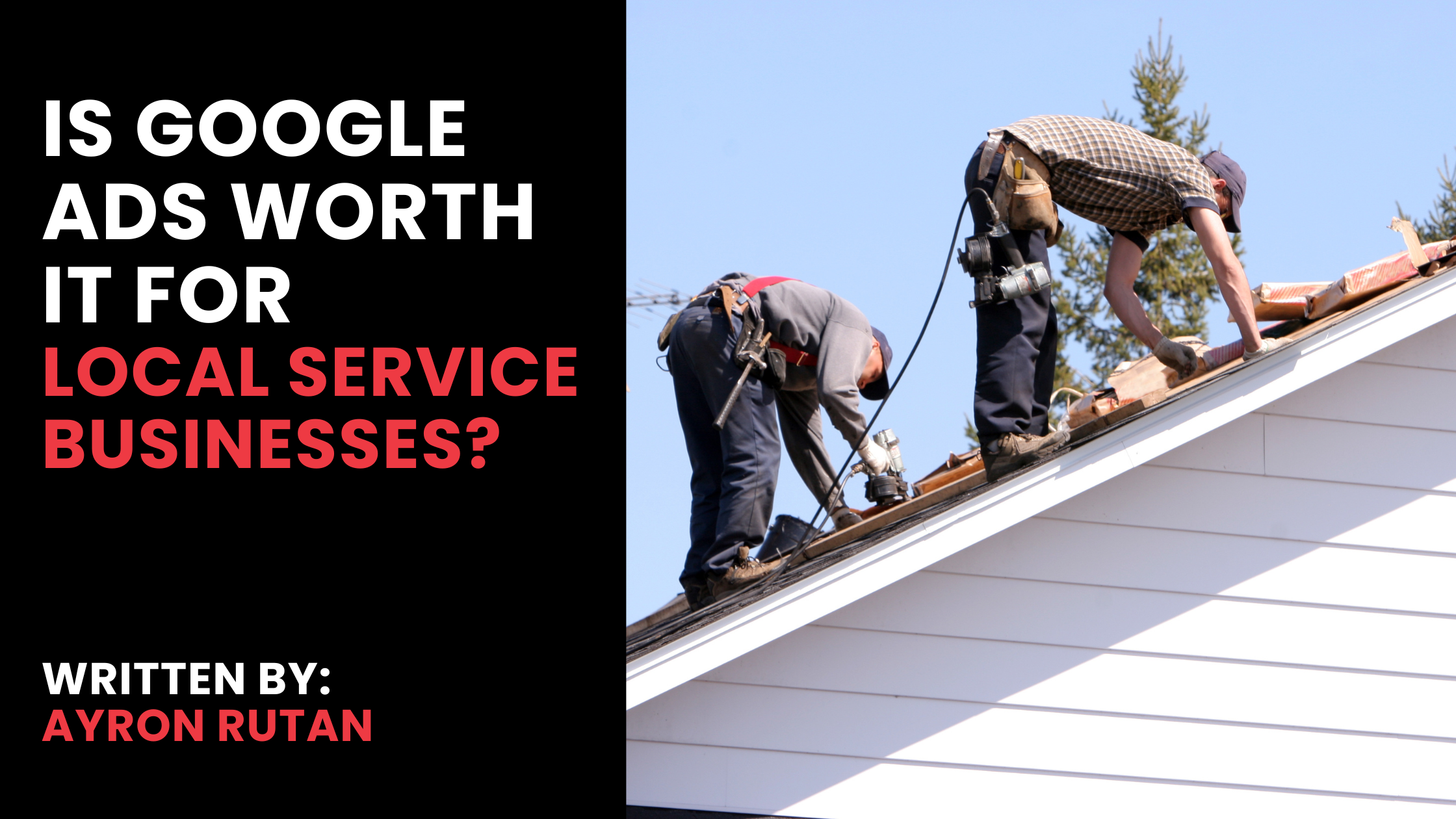
Guarantee Roofing & Fence is the clearest recent example. The account had a bid limit error throttling spend, a conversion tag flagged as broken, and match types loose enough to pull in clicks that were never going to become work. Fixing the foundation first, then rebuilding keyword and audience strategy on top, produced a 180% increase in conversions and a 70% drop in cost per conversion, with conversion value up 298%. One fencing campaign went from losing money to reliably making it, with return on ad spend climbing from 0.22x to 3.62x.
Shine® delivered a 653% return on investment and earned a 2023 PRoof Award.
Roscoe Company fixed the website first. That alone drove a 416% increase in conversions in a single month and multiplied the value of every paid click that followed.
Different industries, different budgets, same pattern. The lift didn’t come from more clever ads, it came from making sure every click landed somewhere that could turn it into a conversation, and from measuring the conversation rather than the click. It’s worth saying plainly that this isn’t automatic, and a healthy-looking number can hide an unhealthy trend.
The Bottom Line
Google Ads is not a traffic machine. Treated as one, it will happily sell you all the traffic you can afford and none of the business you wanted. Treated correctly, it’s something narrower and far more useful: a way to be findable at the exact moment a buyer decides to go looking, on the exact searches that mean they’re ready, in the territory you can actually serve, on a page built to start a conversation, with every call and form counted so you know what worked.
That’s the whole picture. Show up for the right searches, make it easy to reach you, and pay attention to which leads your sales team is glad to get. Do that consistently and the reports stop being about clicks and start being about pipeline.
See Where Your Account Stands
If you’re not sure which of these your account is getting right, you don’t have to guess. We put together a sample of our paid ads audit so you can see exactly what we review. It’s a real preview of our process, and all it takes to see it is your email.
Get the Example Of Our PPC Audit →
Best fit for B2B service companies spending at least $1,500+/month on paid ads, or preparing to launch with a similar monthly budget.
And if you’d rather we look under the hood of your own account, we’re glad to. We’ll run it against this entire list and show you where it stands before you spend another dollar.